rantrMy rants & causesopen case

Responsible: Google

Google sends the verification code to the Gmail I'm locked out of

Get a complaint you can use now. Help build a collective request for a response.

Share a public story or prepare a private complaint. Help is free; you do not have to join to use it.

0 joined here17 linked public posts

My rants & causes

Keep it here for your next visit. For email updates, confirm your address below.

Their side not contacted yet

Rantr has not sent a collective complaint to Google. Joining does not trigger one. You can use the complaint tool without joining.

Timeline

  1. First verified post
  2. Case opened

What happened to you?

listening

As you write, AI highlights the problem and the facts. Include dates, amounts and what support told you. Choose whether to publish when you are ready.

Publishing makes your story public and adds you to this case. AI reads what you write to identify the problem. Leave out names, order IDs and contact details. Nothing is sent to the company.

Want help without posting? Prepare a private complaint

Free. No account or public post. Your description is processed by AI to prepare the draft. Leave out names, order IDs and contact details; add them in the draft before sending. We never send it for you.

Where to take it

Where to take it

Official routes for this problem, with their own pages.

  • IndiaGrievance Appellate Committee (GAC) ↗

    First email Google's Grievance Redressal Mechanism at [email protected]. If you disagree with the Grievance Officer's decision, or get no answer, appeal online to the GAC. It reviews the Grievance Officer's decision; it cannot promise you get the account back.

    Deadline: Within 30 days of receiving the Grievance Officer's decision, or after 30 days with no response from the company (source: https://gac.gov.in/) · Who files: the affected person

  • European UnionData Protection Commission (Ireland), lead authority for Google Ireland ↗

    Only for a data protection concern, such as asking Google for a copy of your data and getting no answer or a refusal. Contact Google first; Google says it only handles data access requests sent from the account itself, so this is unlikely to get a locked-out account back.

    Who files: the affected person

  • SpainAgencia Española de Protección de Datos (AEPD) ↗

    If you exercised your right of access and Google did not answer in time or answered unsatisfactorily, you can file a complaint in the AEPD's electronic office, attaching your request and any reply.

    Who files: the affected person

  • United KingdomInformation Commissioner's Office (ICO) ↗

    Raise your data protection concern with Google first; if you are unhappy with the response, the ICO's checker tells you whether you can complain. It will not recover the account for you.

    Who files: the affected person

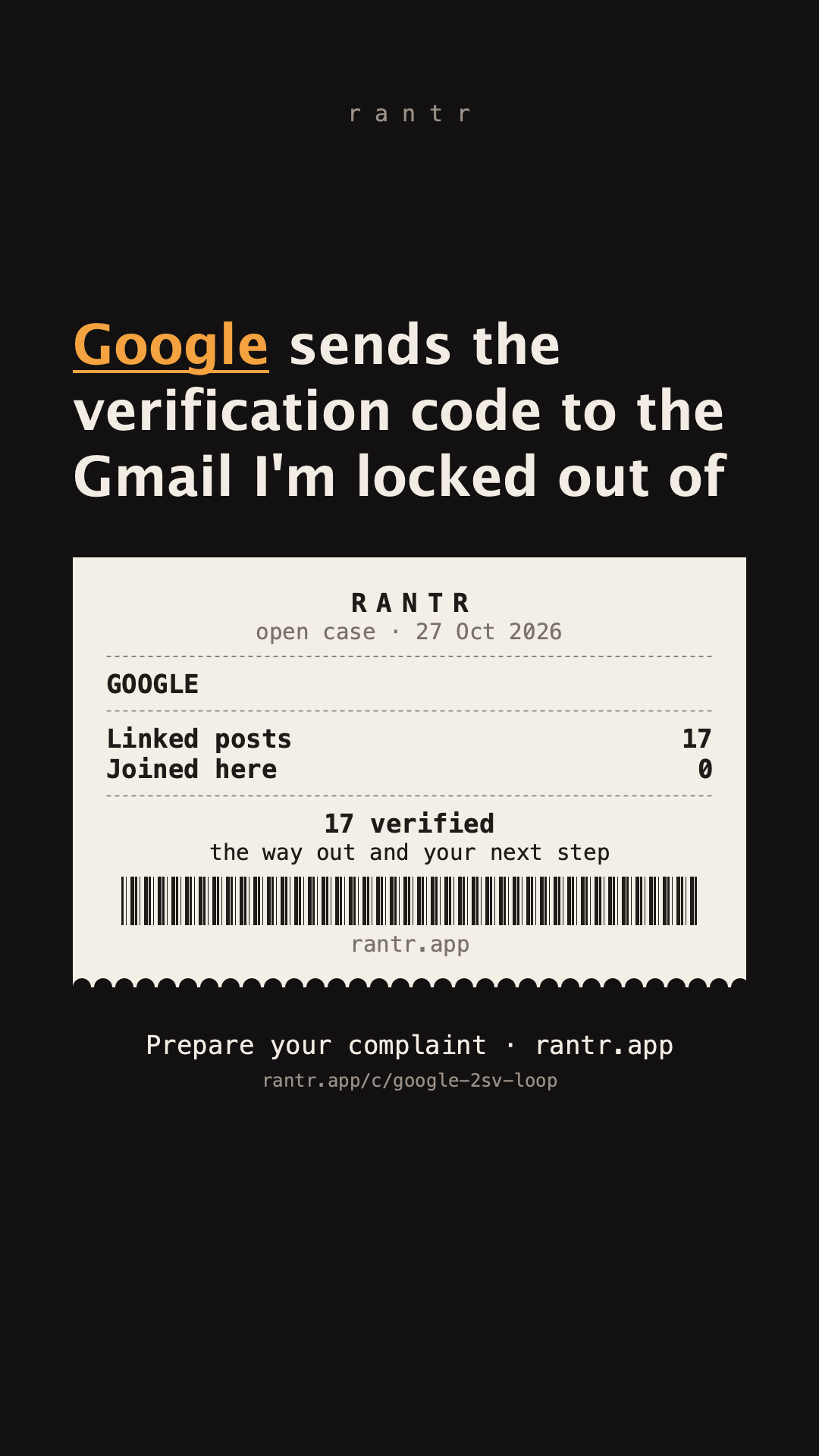
open case · 27 Oct 2026


Google


Linked posts17

Joined here0


your number: tap below

rantr.app/c/google-2sv-loop

Join in one tap

Add your experience to the count. No account needed.

Gathering people with the same problem

0 participants · target 25

0 / 25

At 25 participants, a complaint backed by public sources is ready for review. Track contact and responses here.

What joining does

Adds a self-report that you face the same problem. The count is deduplicated by browser; identities are not verified. It does not file an individual complaint or authorize Rantr to represent you. Rantr reviews the evidence and recipient before any send. Sending and resolution are not guaranteed.

See contact and response history

Check your options

Choose the route that fits your situation. Official guidance and external experiences are labelled separately.

  1. official route

    Use any device where you are still signed in

    1. Check every device before anything else: a laptop, tablet, work computer, old phone or browser where Gmail or YouTube still opens without asking you to sign in.
    2. On your new phone, start the sign-in; if Google offers "Tap Yes", the prompt can appear on that other signed-in device. Approve it there.
    3. If that doesn't come up, open myaccount.google.com/security on the signed-in device, go to Your devices and sign out the lost or reset phone.
    4. On the same page, add your current phone number and a recovery email that is not this Gmail, and get a set of backup codes.
    5. Try signing in on the new phone again. Leave 2-Step Verification on; if you switched it off to get in, switch it back on.
    6. If you can't sign in normally, go to the account recovery page from the device where you are still signed in: Google says that gives you a better chance.

    These are accounts published elsewhere. They are not outcomes achieved or independently verified by Rantr, and may describe different circumstances.

    Sources: support.google.com · support.google.com · external accounts · 2 · 3 · 4

  2. official route

    Do the recovery page Google's way, and keep trying

    1. If you still have your old number, ask your carrier for a new SIM with the same number, so codes by text can reach you.
    2. Go to g.co/recover from a phone, tablet or computer you often signed in with, in the browser you usually use, at home or at work.
    3. Enter the most recent password you remember; if you don't know it, an older one, or your best guess. Don't skip questions.
    4. When it wants a code sent to the same Gmail you are locked out of, choose "Try another way" to skip that step.
    5. If you get "Google couldn't verify this account belongs to you", try again: wrong guesses don't kick you out and there is no limit on attempts.
    6. If you see a security hold, wait it out: with 2-Step Verification it can take 3 to 5 business days. If you changed your recovery info recently, it can take up to 7 days, so try again in a few days.
    7. Check your spam folder for an email titled "Your Google support inquiry".
    8. Know that you can't call Google for this, and Google does not work with any service that offers to recover accounts. Never give anyone your password or codes.

    These are accounts published elsewhere. They are not outcomes achieved or independently verified by Rantr, and may describe different circumstances.

    Sources: support.google.com · support.google.com · support.google.com · support.google.com · external accounts · 2

  3. official route

    YouTube creators: ask TeamYouTube once you've tried recovery

    1. Do the Google recovery steps above first: YouTube's first step is always to recover the Google Account behind the channel.
    2. Post on X tagging @TeamYouTube with your channel URL and a screenshot of where recovery stops. Don't post your email, phone number or other personal details.
    3. If they ask you to follow them, do it so they can send you a DM with the next steps.
    4. If someone else took over your account and changed things on the channel, say so: that is YouTube's hacked-channel path, and support is limited to incidents from the last 9 months.
    5. If you are in the YouTube Partner Program, you can reach Creator Support once you are back in your Google Account.
    6. Know that TeamYouTube can't skip Google's ownership check; describe your case truthfully (lost phone is not a hack).

    Sources: support.google.com · support.google.com · x.com · x.com

  4. prevention

    Before your next phone change: backups that stop the loop

    1. Add a recovery email you use regularly that is different from the Gmail you sign in with, and a recovery phone that only you use. Changes can take up to 7 days to take effect.
    2. Get your 10 backup codes (Security & sign-in, 2-Step Verification, Backup codes) and print them or keep them with your important papers.
    3. Add a recovery contact: someone you trust with their own Google Account. They can confirm it's you with a code if you're locked out.
    4. Create a passkey and, where your account offers it, a selfie video; both must be set up before you are locked out.
    5. Before resetting or giving away your old phone, update your recovery info and create a passkey on the old device, and keep a second device signed in.
    6. Don't use a Google Voice number to receive your codes: it can lock you out.

    Sources: support.google.com · support.google.com · support.google.com · support.google.com · blog.google · blog.google · support.google.com

Your rights

  • IndiaPlatforms must publish a Grievance Officer and a way to complain. The Grievance Officer must acknowledge your complaint within 24 hours and resolve it within 15 days. gac.gov.in ↗
  • IndiaIf you are unhappy with the Grievance Officer's decision, you can appeal to the Grievance Appellate Committee within 30 days; the whole appeal is online. gac.gov.in ↗
  • European UnionYou have the right to ask a company whether it processes your personal data and to get a copy of it. dataprotection.ie ↗
  • European UnionThe company must answer without undue delay and within one month, which can be extended by two more months for complex requests. dataprotection.ie ↗
  • SpainRight of access: you can ask the company whether it processes your data and get a copy, the purposes and how long it keeps them. If it doesn't answer in time or the answer is unsatisfactory, you can complain to the AEPD. aepd.es ↗
  • United KingdomAnyone can ask an organisation for copies of their personal information (a subject access request); organisations usually have one month to respond. ico.org.uk ↗

Follow the case

We email you when it passes a milestone, when they answer, or when someone finds a new way out. Nothing else.

I got out

Solved it? One line on how helps the next person more than anything else here.

Public reports and Rantr’s activity

The posts

Links to public reports, not verified purchases or results achieved by Rantr. Read the original for context. We do not republish their text or order details.
  • Ruhan Rahman @ruhan__rahmanSee the original ↗

  • Dilraj @DilrajldxjSee the original ↗

  • Muhammad Hilmi @Muhamma29754377See the original ↗

  • human @malik_I0See the original ↗

  • AS kushwah @ASkushwah287080See the original ↗

  • Sanjay @Sanjayvx7tSee the original ↗

  • Sanjay @Sanjayvx7tSee the original ↗

  • Struggler @Struggl86340728See the original ↗

  • TANUJ BHARDWAJ @TANUJBRAHMINSee the original ↗

  • Ranveer @Ranveer5434See the original ↗

  • Shourya Verma @ShouryaVerma19SSee the original ↗

  • Naveenverma @NaveenvermranbSee the original ↗

  • Rathod Nilesh 🇮🇳 @NileshR85535536See the original ↗

  • mubashir Vfx @mubashirVfxSee the original ↗

  • Shinchan 🙇‍♂️ @hello_12345_HiSee the original ↗

  • Ali Hassan @AliHassanllvvSee the original ↗

  • Dinesh chandrvanshi @Dineshchan1oagSee the original ↗

Write your ownPrivacyTerms